Run a 10-minute demo
A presenter's script for a live walkthrough. It hits three beats in order: the wow (ask your data a question), the trust (rows never leave the org), and the automation (flows + pipelines). Timings are a guide — slow down on whichever beat your audience leans into.
- Open the hosted app and sign in; have the Dashboard showing.
- Make sure a source is connected and its entities are confirmed (use the bundled Northwind demo, or a tenant with the SAP/warehouse model already loaded).
- Have one API key ready (or be ready to create one live).
- Optional: an MCP client (Claude desktop / web) already pointed at your server, to show the agent path.
0:00 — Frame it (1 min)
[Show] the Dashboard.
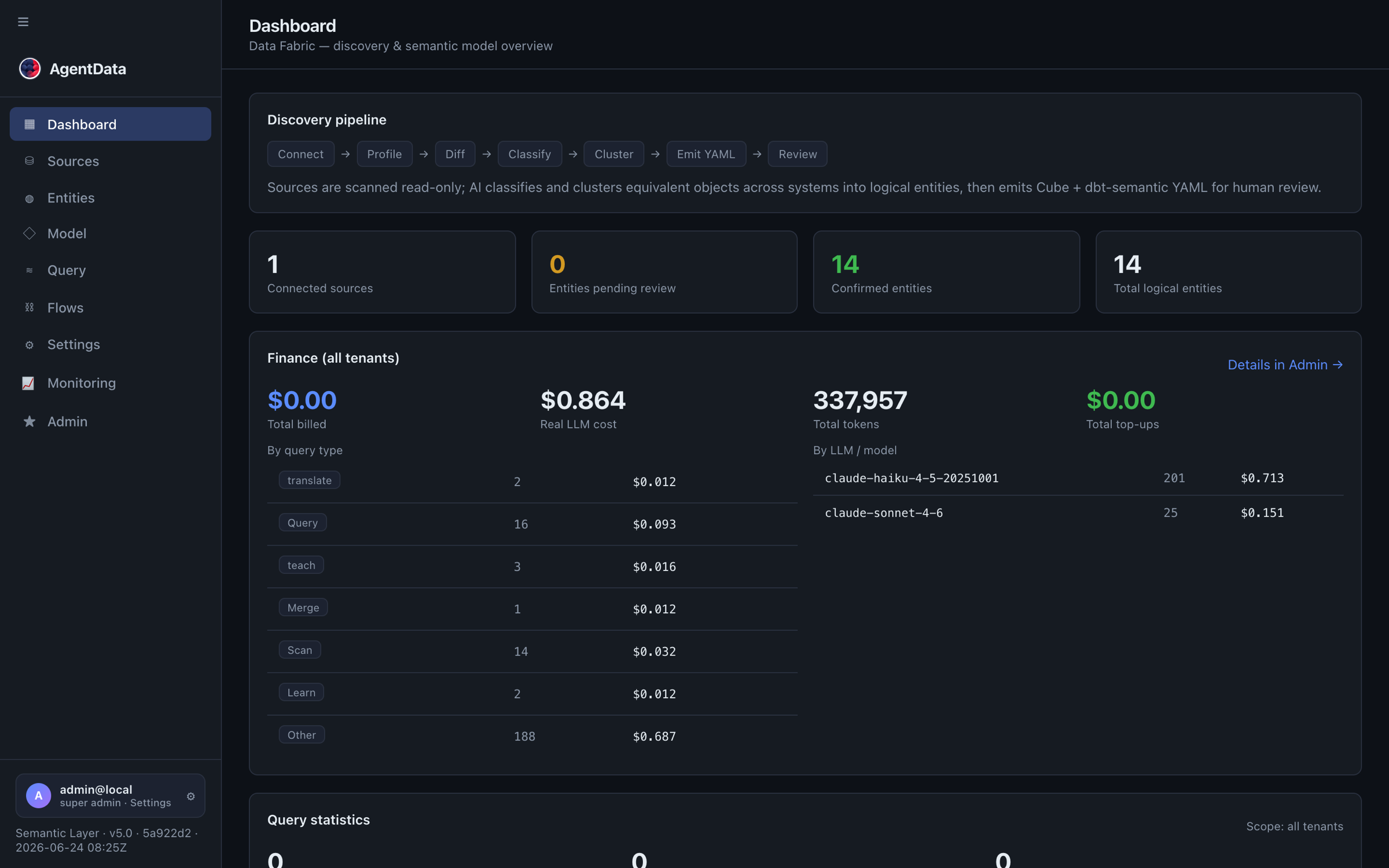
[Say] "This is AgentData — a semantic layer over your databases. It connected read-only, discovered your business entities — Customer, Order, Product — and now anyone, or any AI, can ask questions in plain language. Nothing was copied; it reads your data where it lives."
Point at the pipeline (Connect → Profile → Classify → Cluster → Emit → Review) and the counts: connected sources, entities pending, entities confirmed.
1:00 — The wow: ask a question (2 min)
[Do] Go to Conversation → Query → NL. Type:
top 5 products by revenue this quarter
[Show] the answer — rows and the generated SQL.
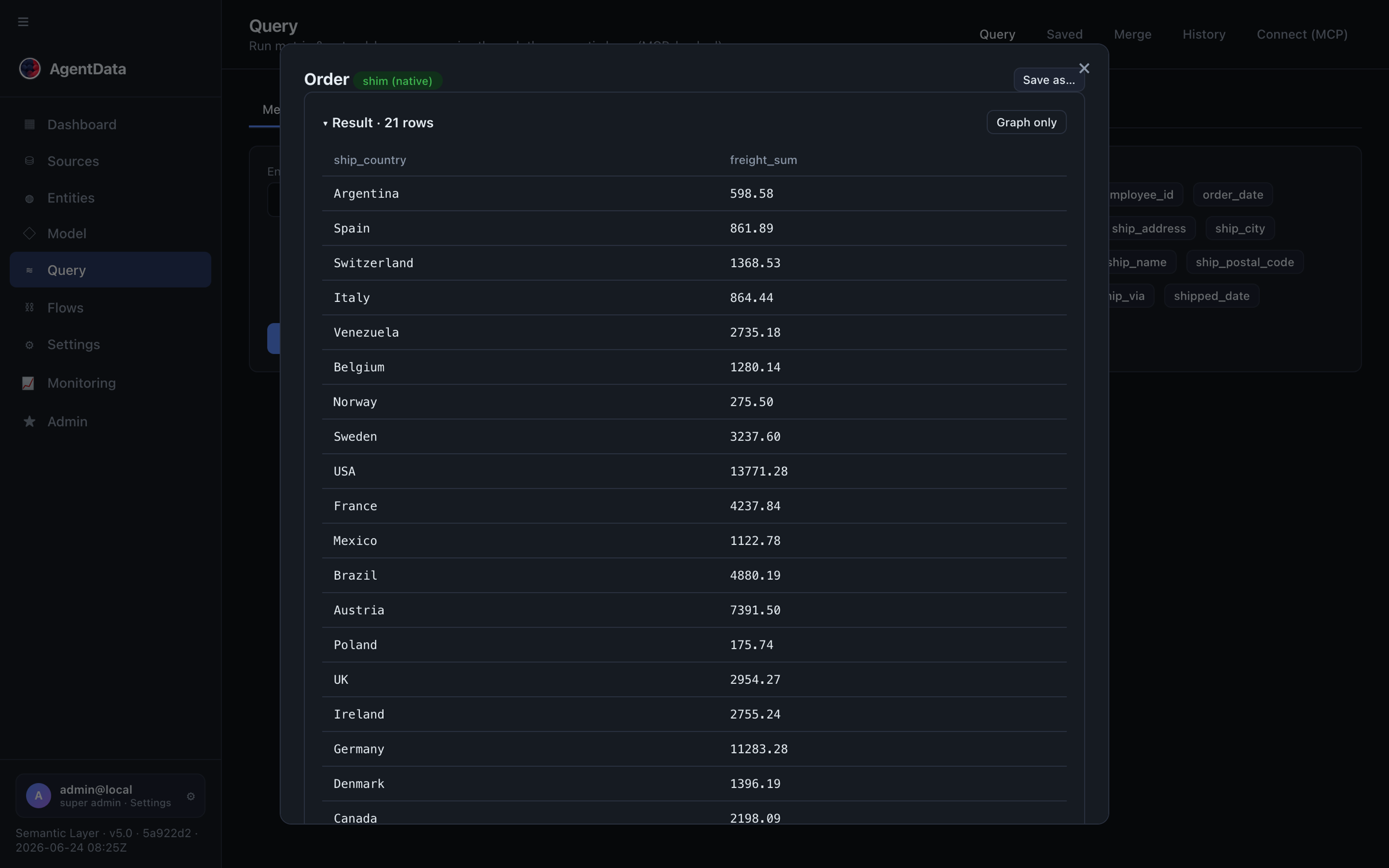
[Say] "No dashboard was built for this. It planned the query against the approved model, ran the SQL locally, and returned the answer. Let me ask a follow-up…"
[Do] Ask a follow-up ("…and just the ones in Europe") to show conversational memory. If your audience is non-English, ask the same question in their language.
3:00 — The model behind it (1.5 min)
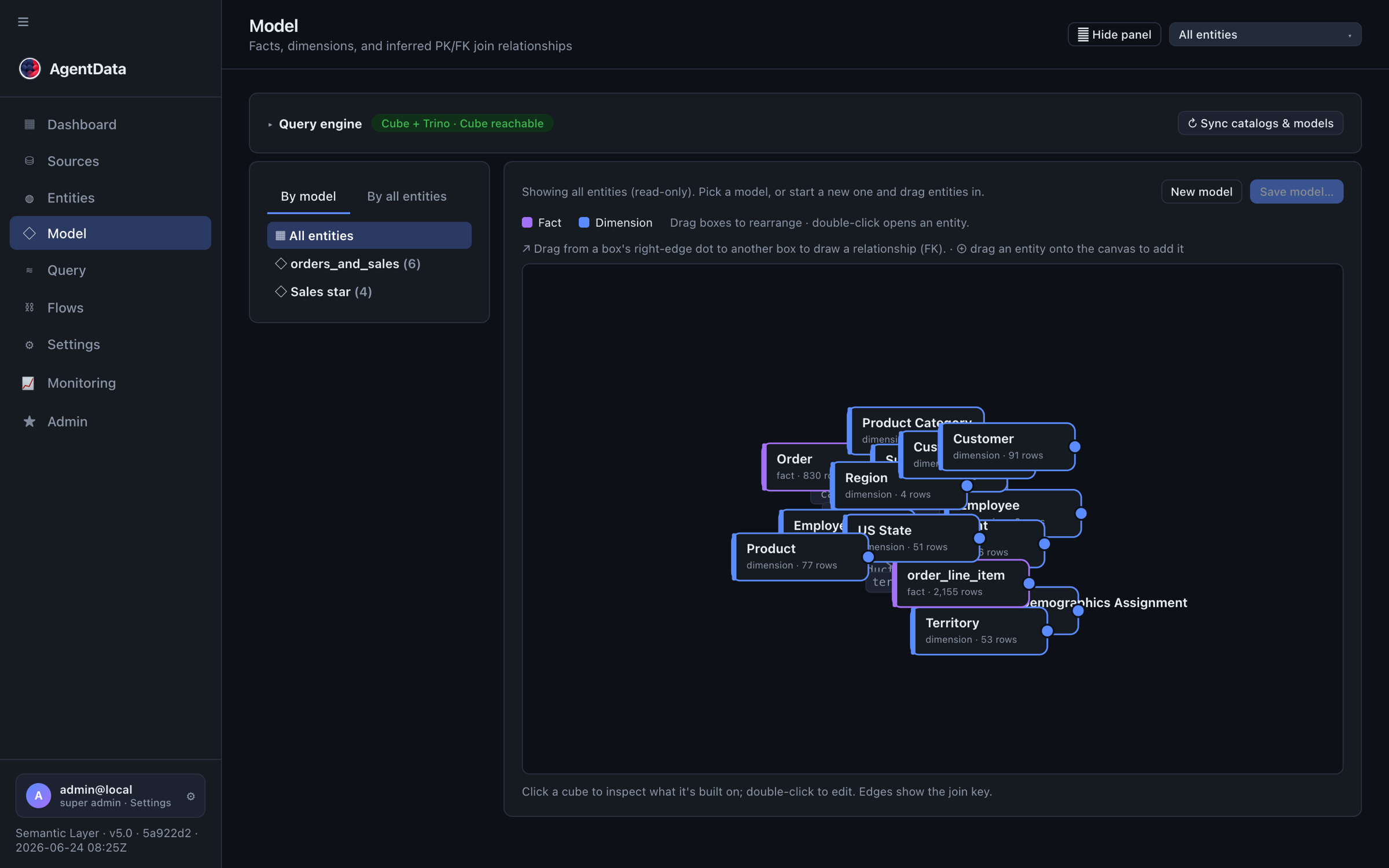
[Do] Open Semantic → Entities, then open one entity, then the Semantic → Model graph.
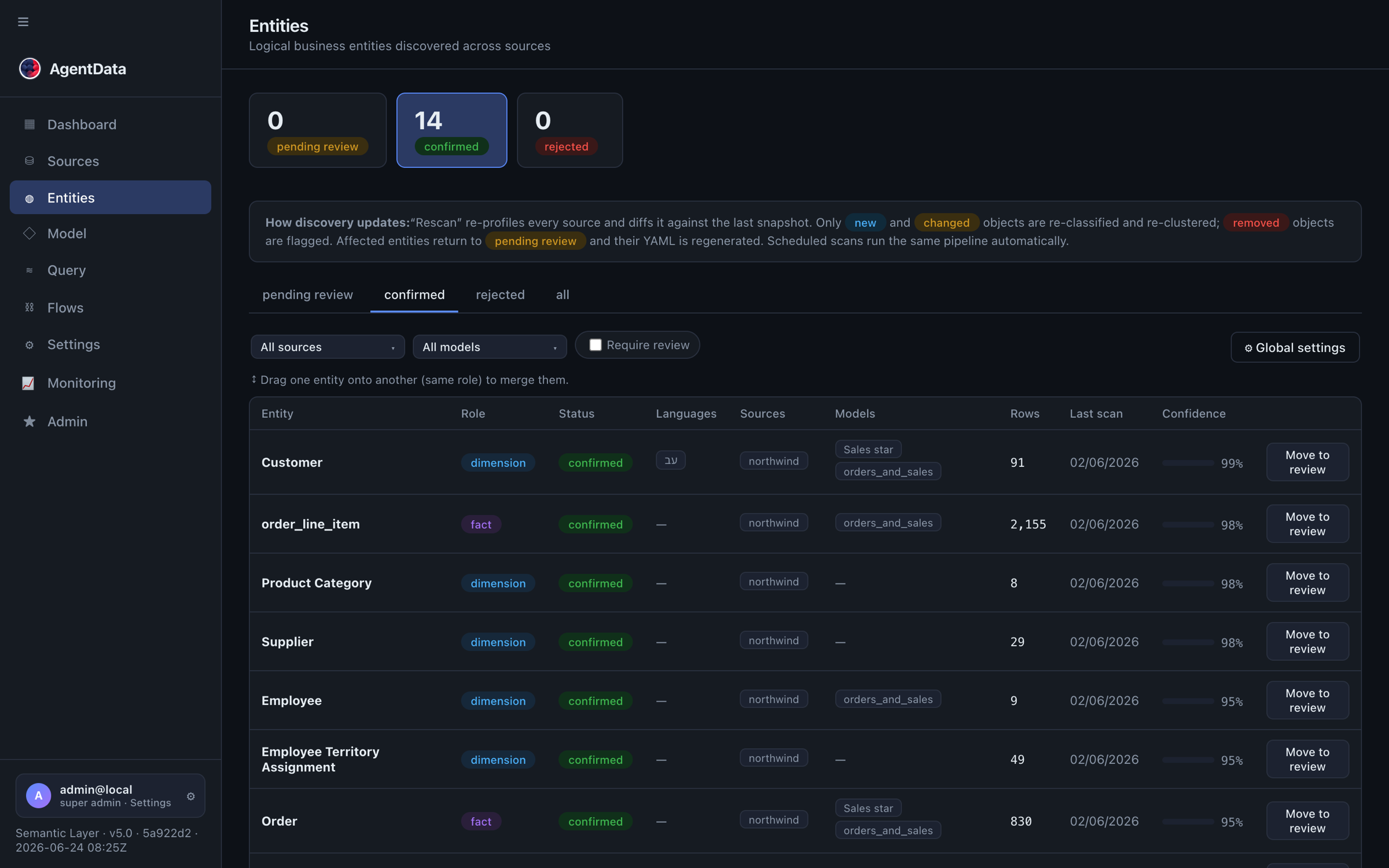
[Say] "The answer is governed because it comes from this — a reviewed model. Measures like revenue are defined once, here. You rename to business language, merge duplicates, and draw relationships to join across systems — SAP customers to warehouse events, for example."
4:30 — The trust beat (2 min) — the one that closes regulated buyers
[Say] "The obvious question: if an AI is querying our data, do our rows end up in a cloud model? No."
Only the model's names and the question reach the LLM. Result rows never do — the LLM plans, the SQL runs locally, rows return to the caller.
[Do] Open Settings & Monitoring → Security. Point at the toggles.
[Say] "Per tenant, you can block external LLM egress entirely and force an on-prem model, set an allow-list of permitted hosts, and give each API key least-privilege scopes. And Admin → MCP traffic shows every call and every failed-auth attempt."
(See Security for the detail if asked.)
6:30 — The agent path: MCP (1.5 min)
[Do] Go to Conversation → Query → Connect. Create or show an API key.
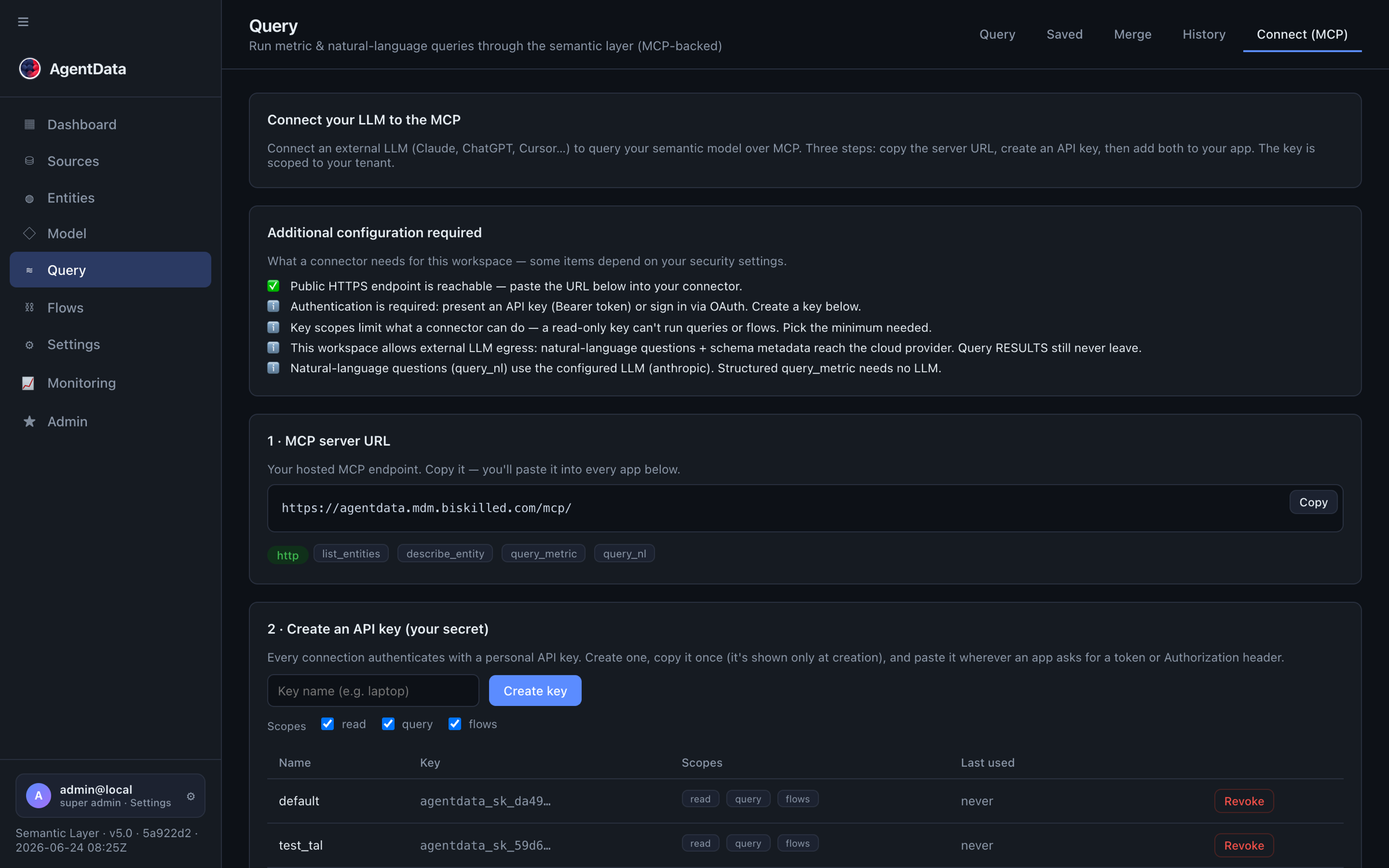
[Say] "Same model, opened to AI clients over MCP." If you have a client ready, switch to Claude/ChatGPT and ask it the same business question — it calls query_nl and answers from the governed model.
8:00 — The automation (1.5 min)
[Say] "Getting data in is visual too — this replaces hand-coded ETL."
[Do] Open Agent Flows → Flows → Pipelines and show a saved pipeline (or drag two flows and draw an arrow).
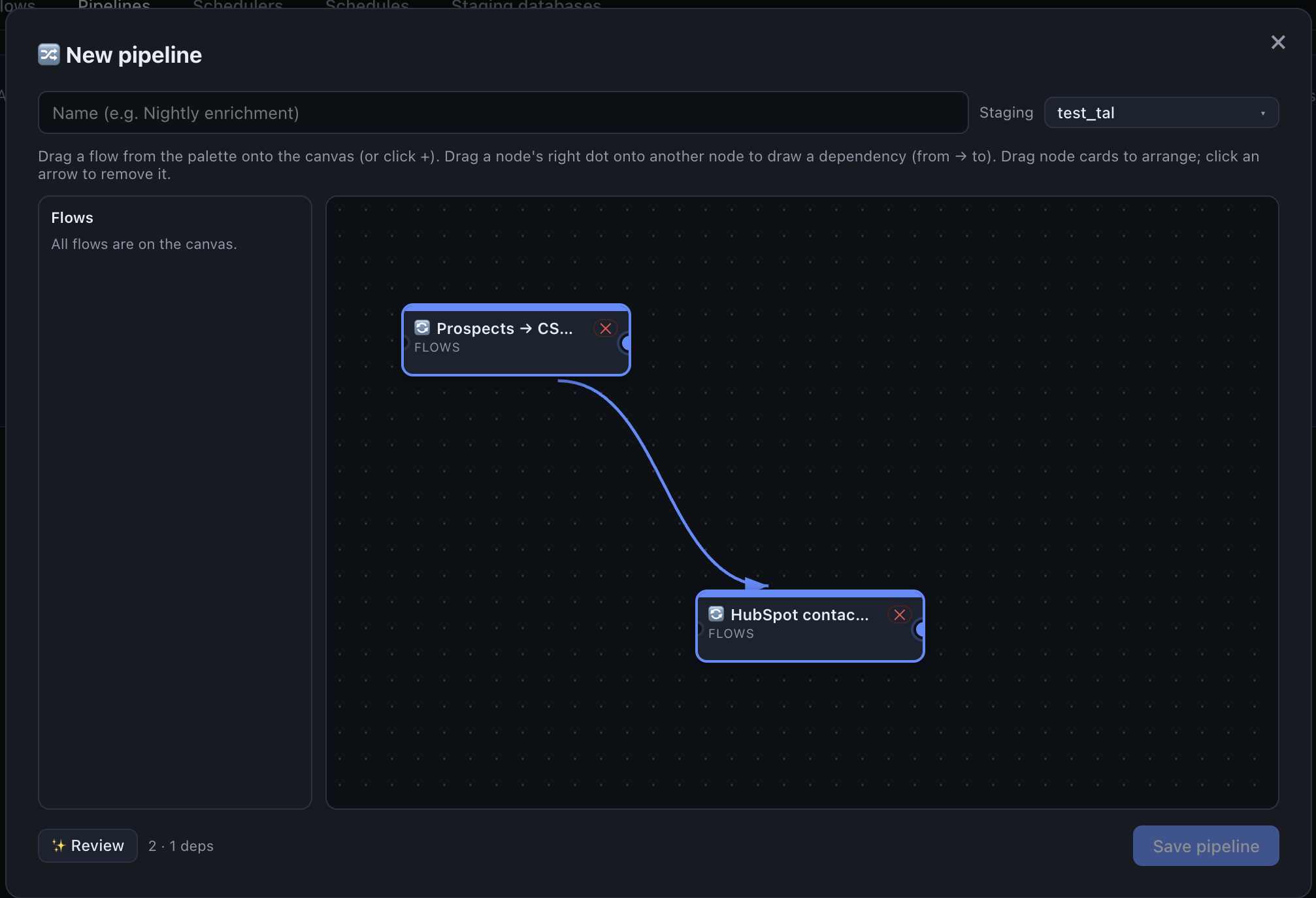
[Say] "Flows extract and transform; a pipeline runs them as a dependency graph — parallel where it can, in order where it must. Schedule it, and watch every run here."
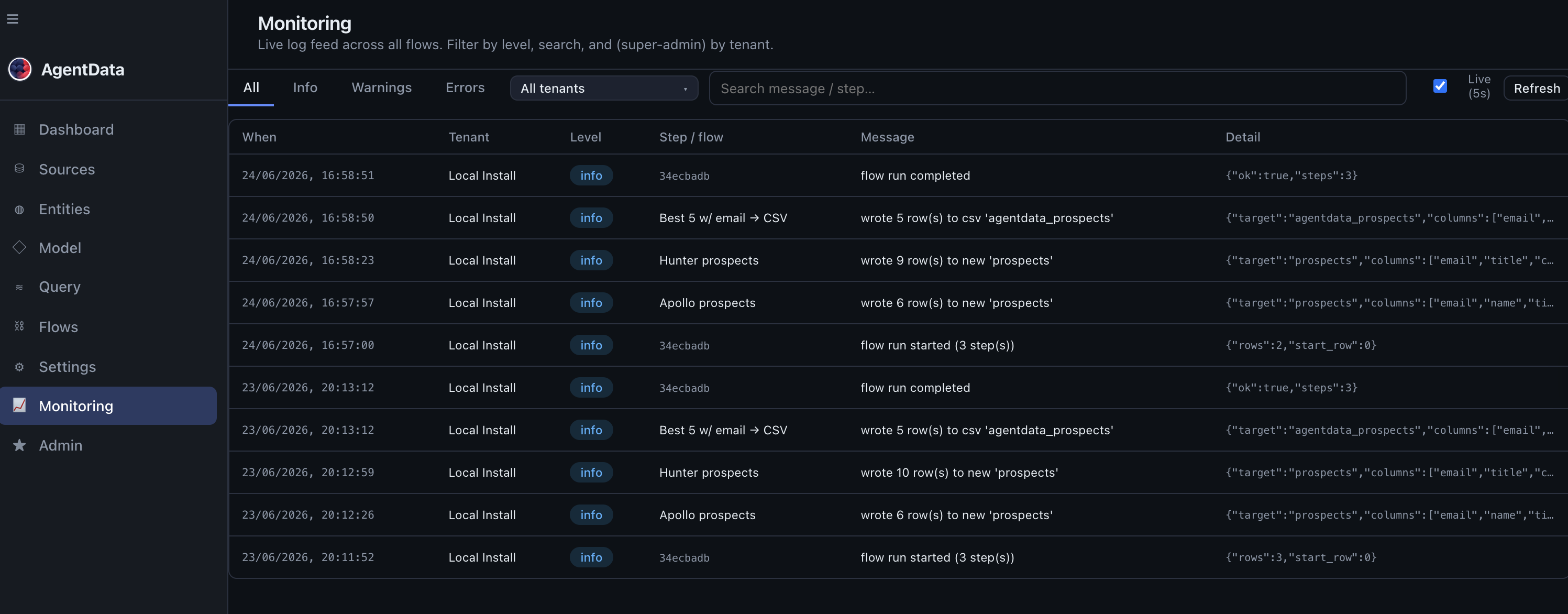
[Do] Open Settings & Monitoring → Monitoring to show live runs.
9:30 — Close (30 sec)
[Say] "So: questions in plain language for people and AI, a governed model defined once, a hard privacy guarantee, and the loading behind it as visual flows. Where would you want to point this first — a database you have, or a CRM you want enriched?"
Then hand them a starting path:
- a CRM / growth motion → AI lead enrichment → HubSpot
- legacy ETL / SAP → Replace legacy ETL
- governed self-service → A unified semantic layer
- Microsoft customer demo → Fabric → AgentData → Power BI in five minutes
If something fails
- A query returns nothing / errors — fall back to a known-good question on the demo model, or show a saved metric query (pick entity + measure + dimension) which doesn't depend on the LLM.
- No internet for the LLM — demo the metric query path and the flows/monitoring beats; both work without an LLM call.
- MCP client not set up — skip the live agent step; the Connect screen + the
query_nldescription make the point. - Keep it to 5 minutes — do beats 1:00 (wow), 4:30 (trust), and 8:00 (automation) only.