A unified semantic layer
For: an enterprise (often regulated — finance, healthcare) with data spread across SAP, a warehouse, and operational databases, who wants self-service answers without building a BI report for every question — and without data leaving the org.
The problem. Every new question is a ticket. Analysts hand-write SQL against tables only they understand; the same metric is defined three different ways; and leadership can't just ask. Meanwhile, "let an LLM query our data" raises an immediate red flag: will our rows end up in a cloud model?
What you'll build. A single business model — Customer, Order, Revenue — over all your sources, queryable in plain language from the app and from AI clients over MCP, where only names and questions reach the LLM, never your rows.
1. Connect your sources (read-only)
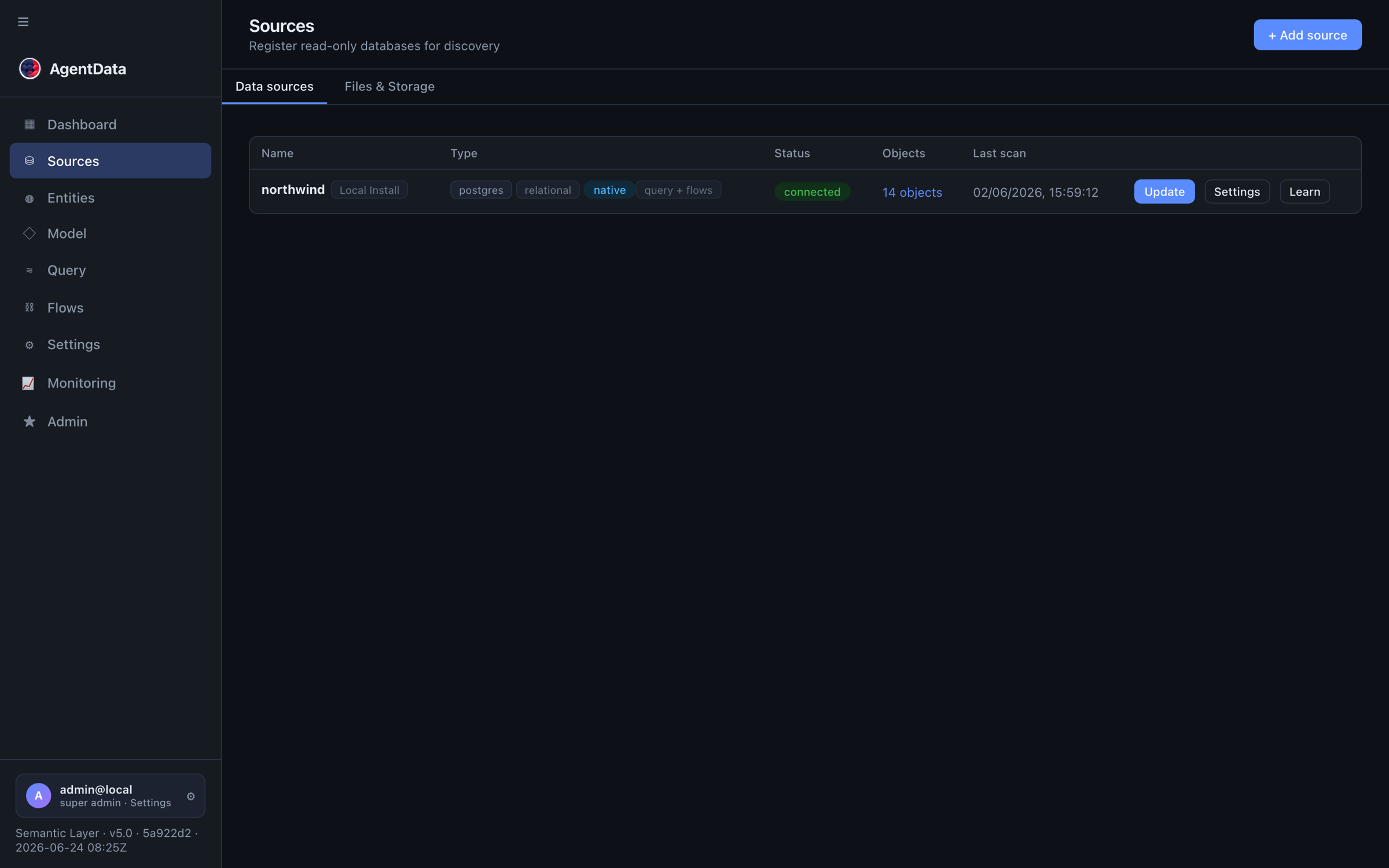
Add each system in Connectors → + Add source — the SAP staging tables you loaded (see Replace legacy ETL), your warehouse, and any operational DBs. AgentData connects read-only and stores only metadata, never copies rows.
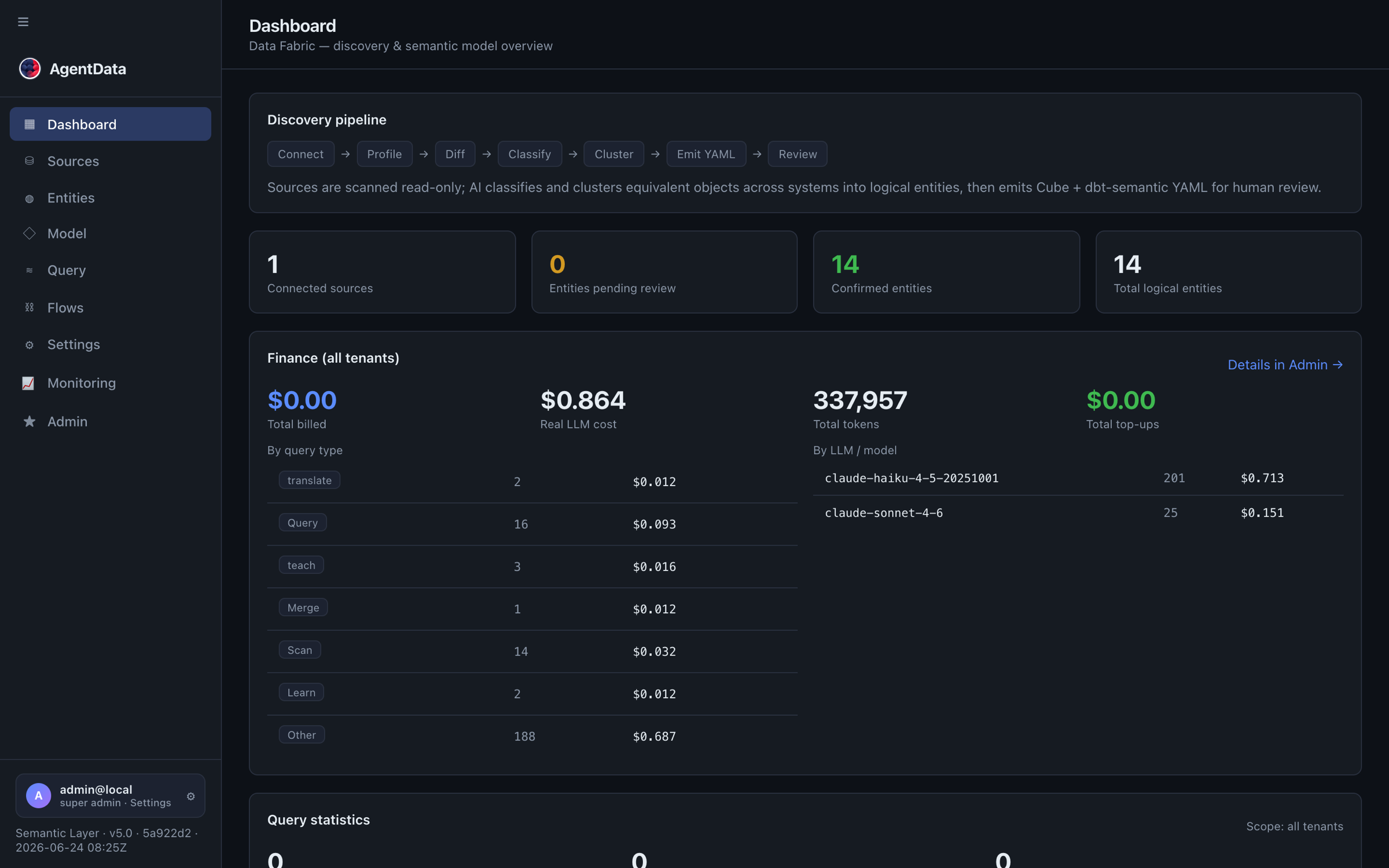
The dashboard tracks the discovery pipeline and the state of your model — connected sources, entities pending review, confirmed entities:
2. Discover the business model
Run a scan (Discovery → Scan). AgentData profiles each table, classifies columns (including PII detection), and proposes entities with their measures and dimensions — Customer, Order, Product — across all your sources at once.
This is the step that turns dozens of cryptic tables (KNA1, VBAK, MARA…) into business objects everyone recognises.
3. Review, approve, and refine
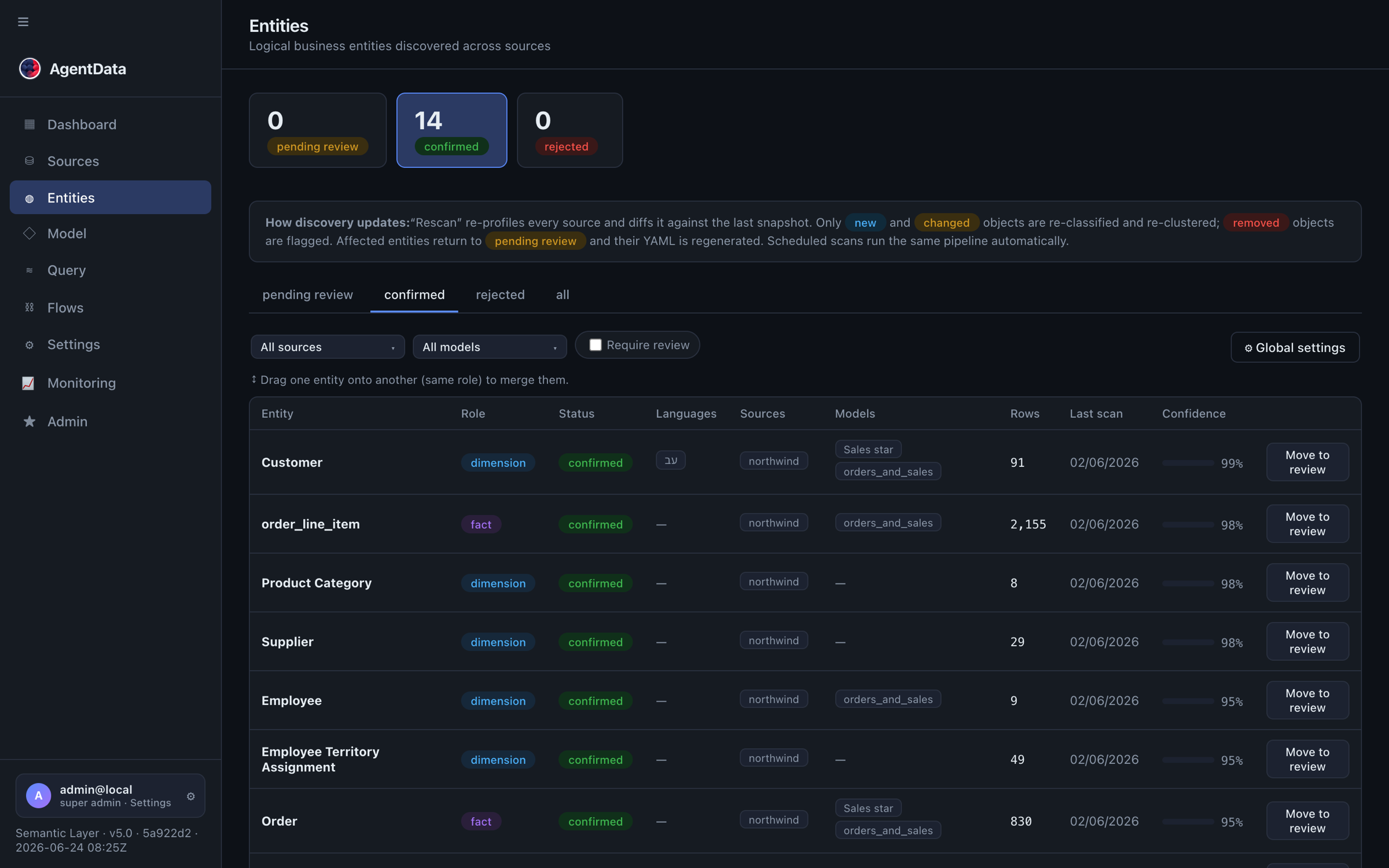
Open Catalog → Entities. Each discovered entity starts as pending_review. Check the names and roles and Approve all. You can also:
- rename to business language, merge duplicates, or split,
- add calculated measures (e.g.
revenue = qty × unit_price), - add per-language labels so the same model answers questions in English and Hebrew (or any configured language).
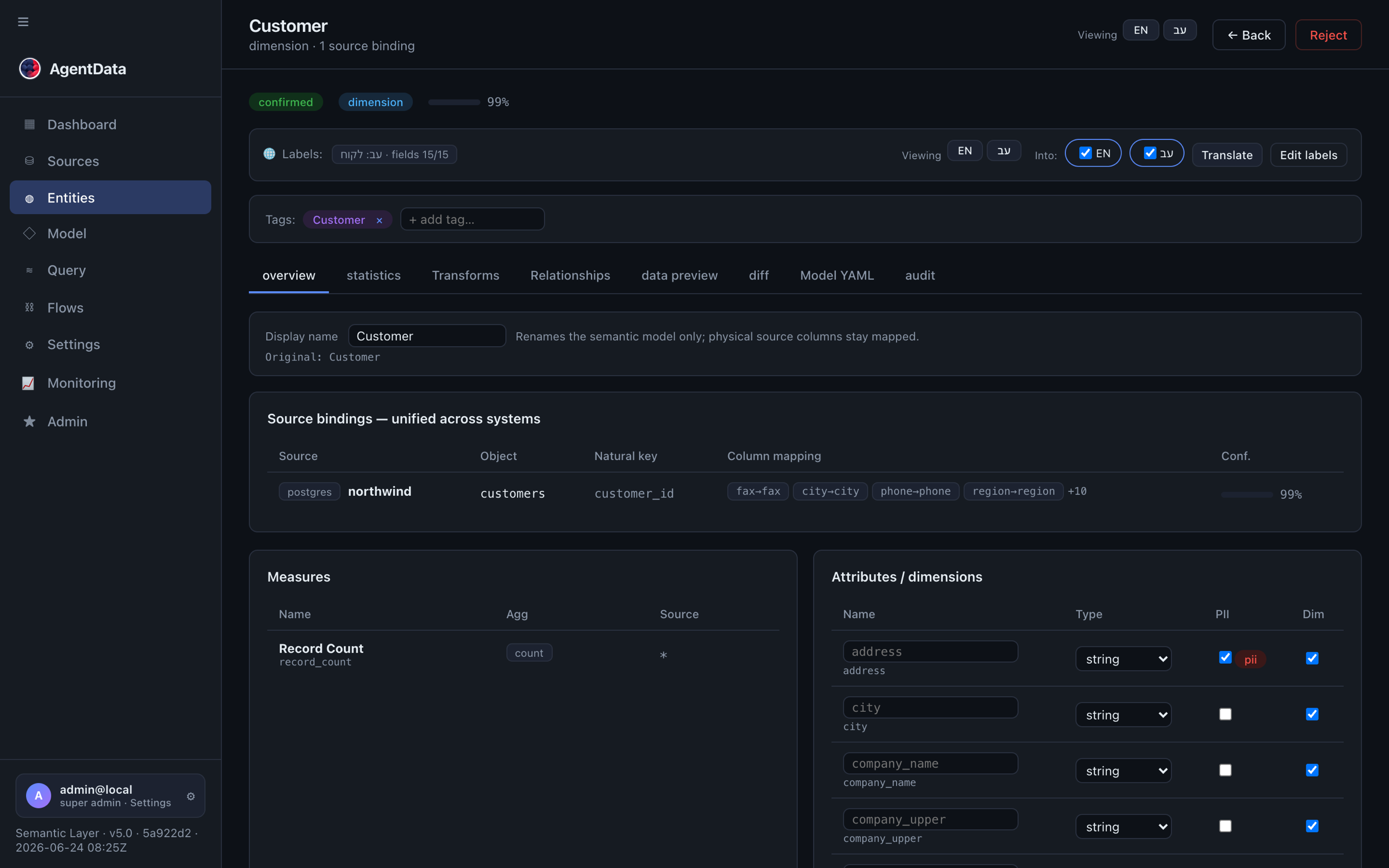
Open an entity to see its full model — measures, dimensions, source bindings and sample queries:
4. Join across sources
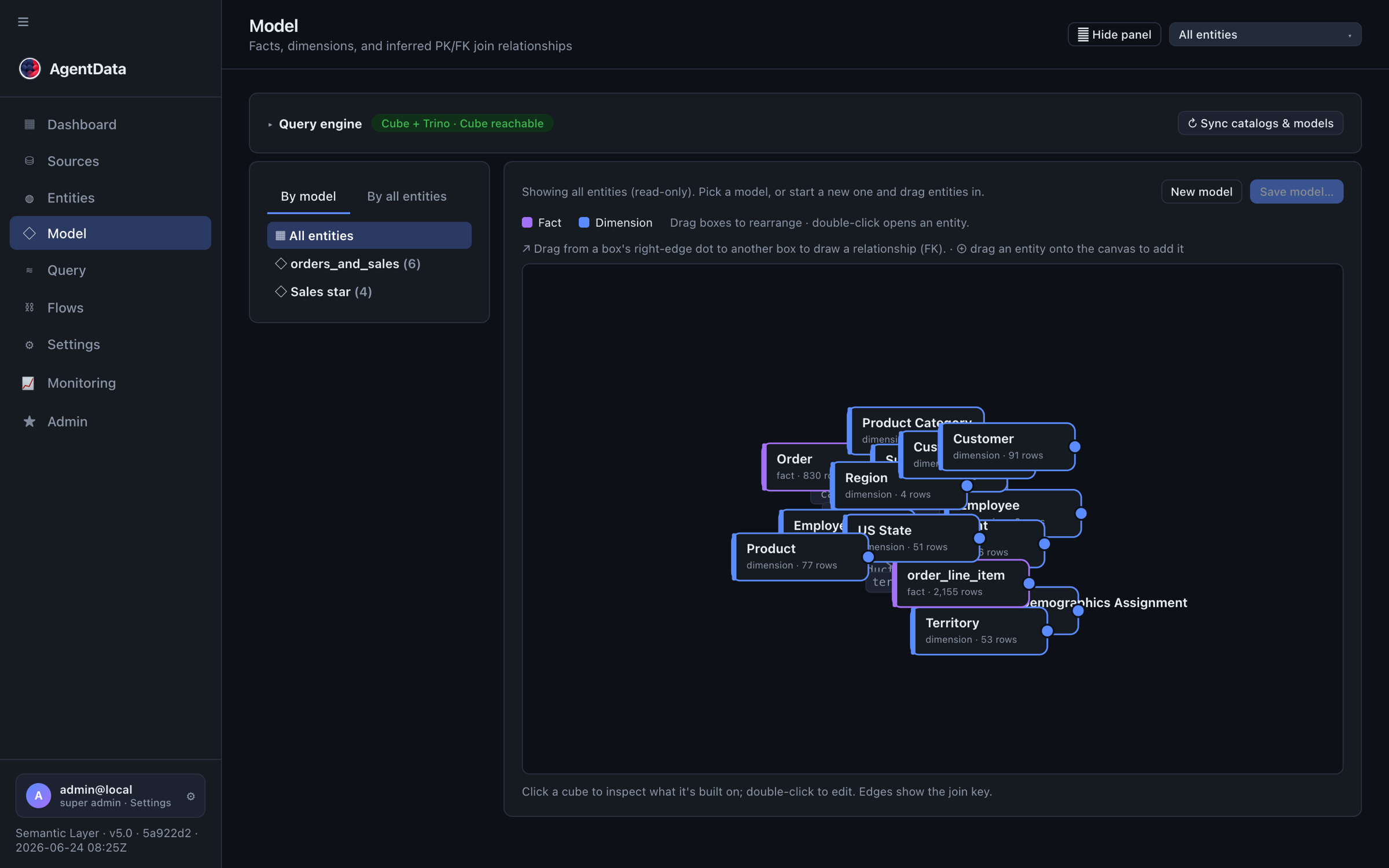
Customers in SAP, web events in the warehouse — connect them once. In the Model graph, draw a relationship between two entities (or add it on an entity's Relationships tab). These manual joins win over inferred ones and become the join paths used at query time.
5. Ask in plain language
In Conversation → Query → NL, ask:
revenue by region this quarter, top 10
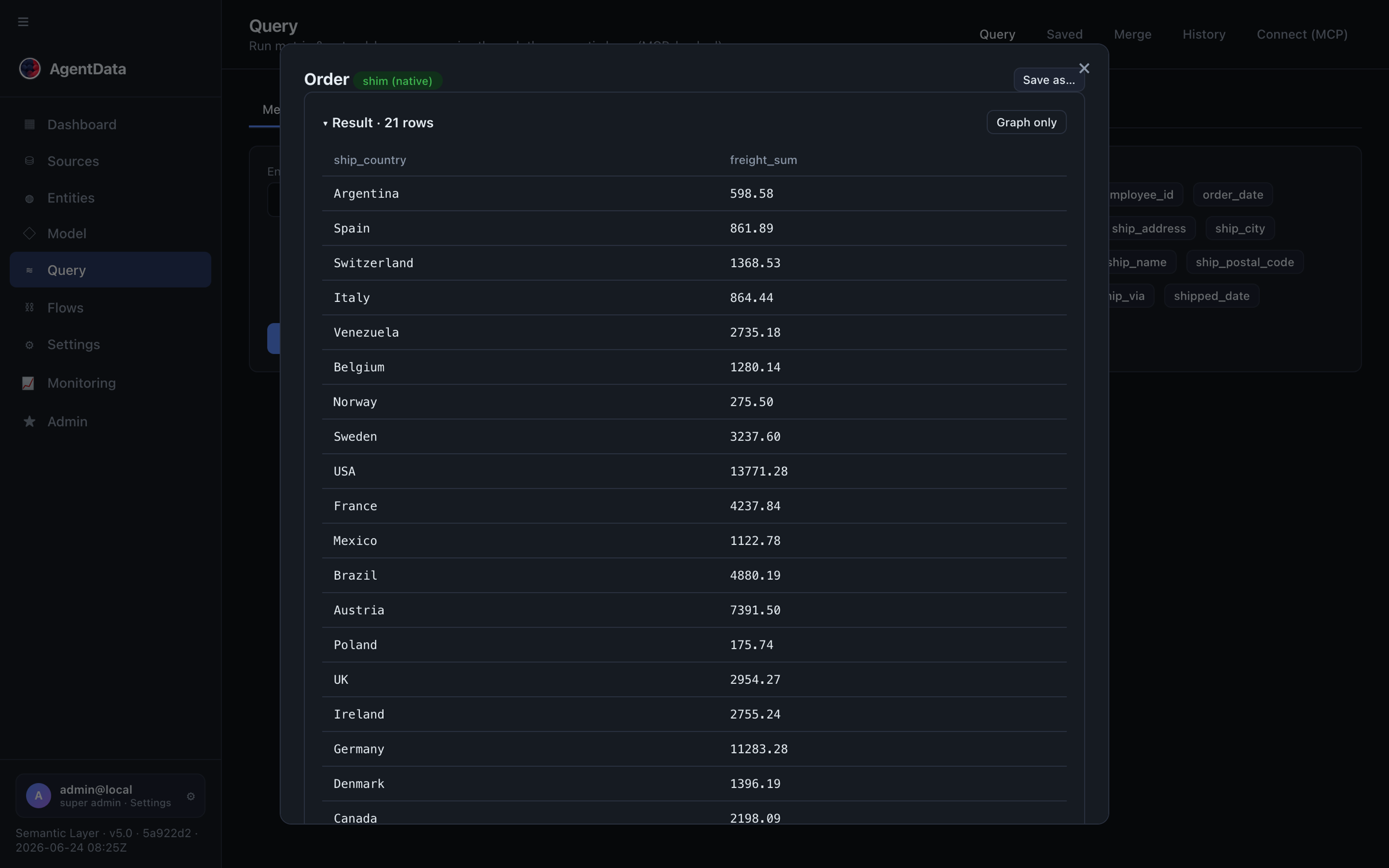
AgentData plans the query against your approved model, validates it, runs the SQL locally, and returns the rows plus the generated SQL — joining across sources when needed. Follow-up questions and other languages work too. You can also build a precise metric query by picking an entity, measures and dimensions:
6. Open it to AI clients over MCP
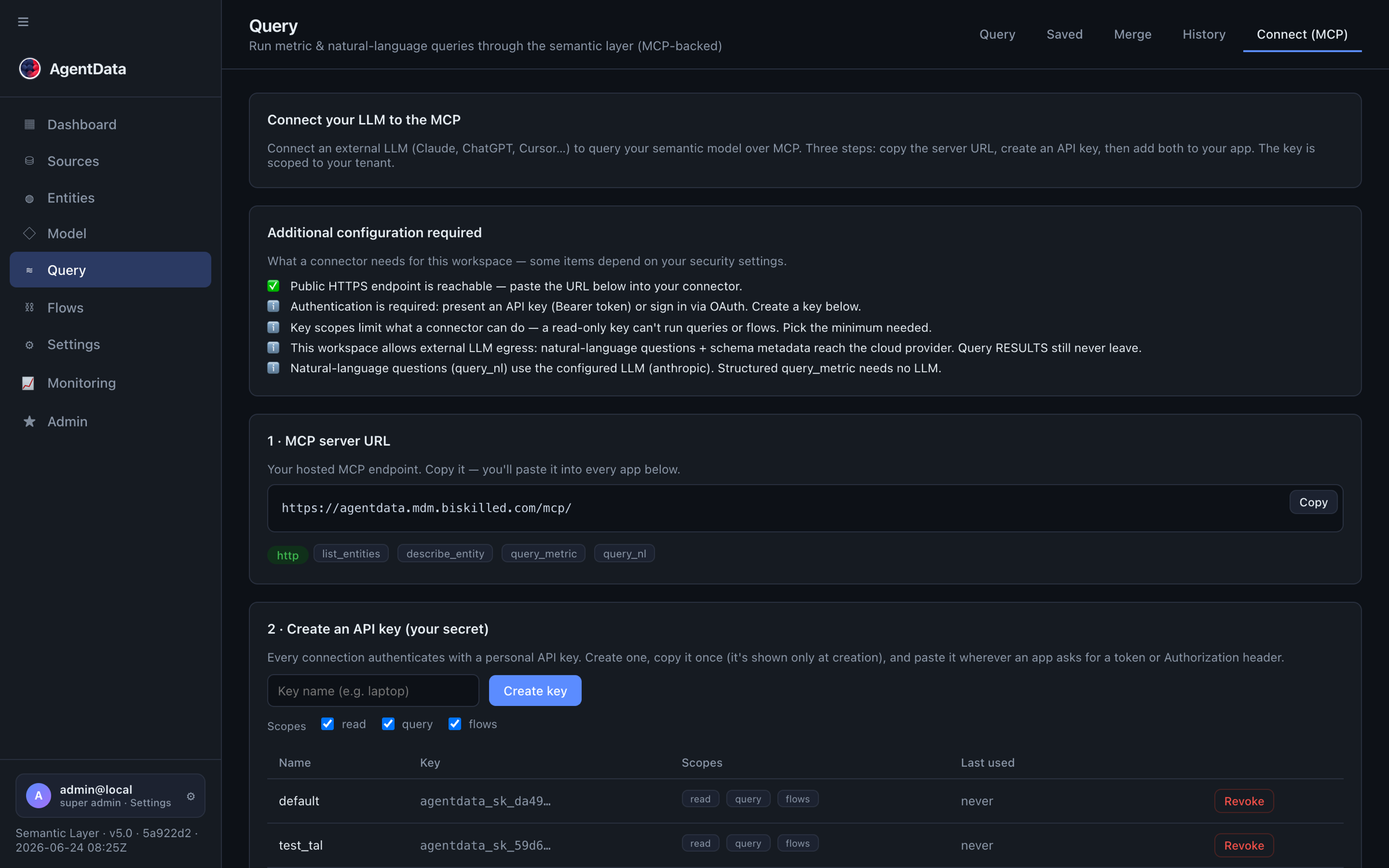
Go to Conversation → Query → Connect, create an API key (choose scopes — e.g. read-only, or query, or flows), and point any MCP client at your server:
https://agentdata.mdm.biskilled.com/mcp/
Now Claude, ChatGPT or an IDE can call query_nl and answer from your governed model.
7. Prove the data stays in-org
This is the part that gets a regulated buyer to yes:
Only your semantic model (entity / attribute / measure names) and the question reach the LLM. Result rows never do — the LLM plans; the SQL runs locally; rows return straight to the caller.
For the strictest deployments, Settings & Monitoring → Security lets you, per tenant:
- block external LLM egress (force an on-prem LLM — Ollama / vLLM / Bedrock PrivateLink), so nothing leaves;
- set an egress allow-list of permitted hosts;
- monitor every MCP call and failed-auth attempt in Admin → MCP traffic;
- give each API key least-privilege scopes and rely on brute-force lockout.
See Security for the full picture, and Roles for who can do what.
The result
One model, many sources, asked in plain language — by people and by AI agents — with governance and a hard privacy guarantee. New questions stop being tickets, metrics get defined once, and the security team can see (and prove) that business rows never reach a cloud model.
Next: automate the loads behind it with flows and pipelines, or wire a connector so the whole stack runs on-prem — see Configuration.