Training & feedback
The Querying page covers how to ask. This page is about the loop around asking: how a business analyst (BA) turns thousands of ad-hoc questions into a small set of trusted, optimised queries — and how any user's feedback flows back to the BA and improves the answers everyone gets.
Two roles show up here:
- User — asks questions (natural language or the metric builder), runs saved queries, and leaves feedback when something looks wrong.
- Business analyst / admin — curates the query library: teaches metrics, merges duplicates, generalises one-off queries into reusable templates, and resolves feedback.
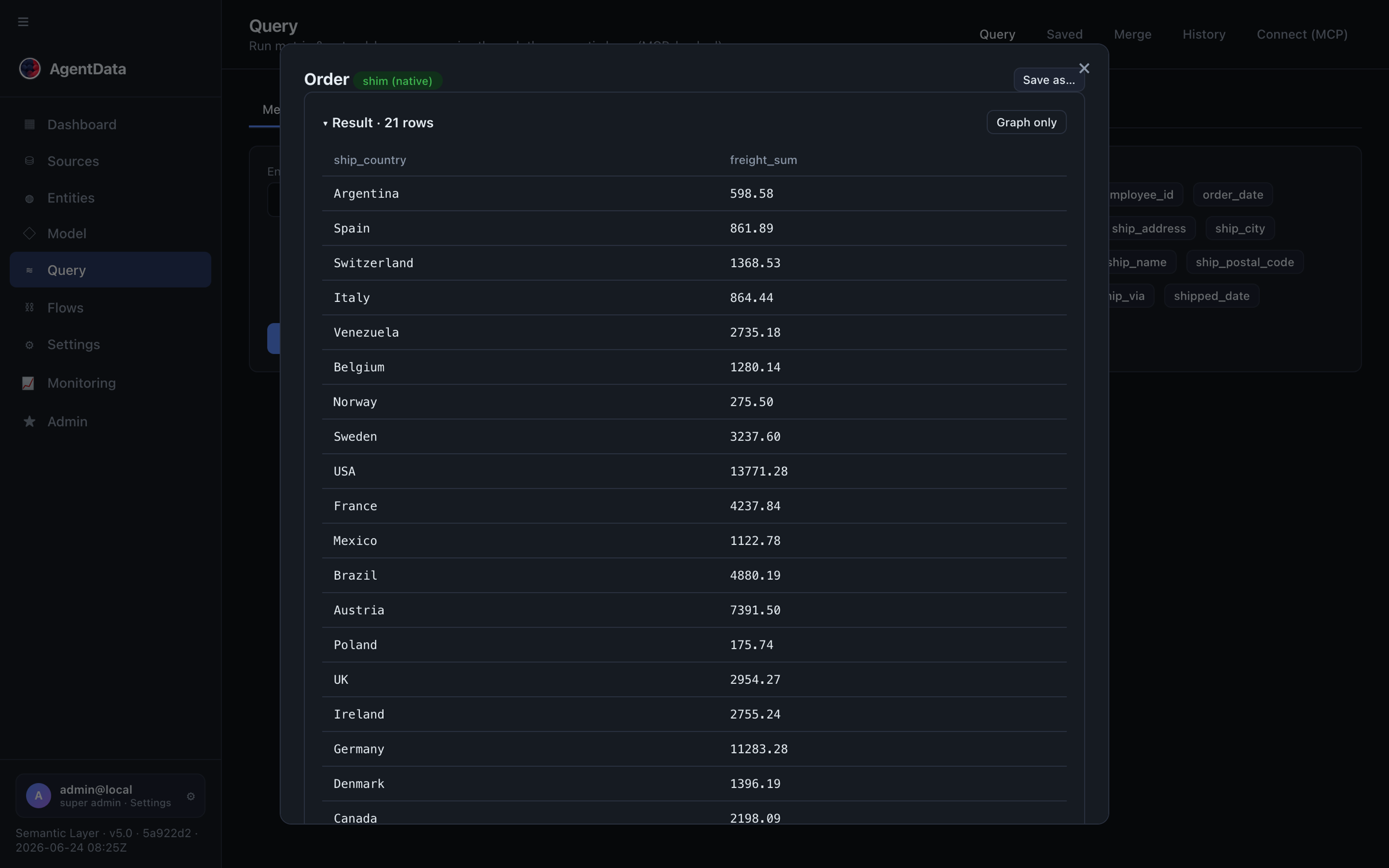
As a user: ask, reuse, react
- Ask in plain language. AgentData plans a governed query against the model and runs it. Conversation memory means follow-ups like "now just the top 5" work.
- Reuse. As you type, AgentData surfaces similar saved templates and recent matching runs — one click reruns a trusted query instead of generating a new one.
- React. On any saved query you can leave a remark ("this should exclude cancelled orders"). That comment enters the feedback queue for a BA.
Everyday users never need SQL. Viewers can run the structured metric builder (no LLM) and connect MCP clients; natural-language generation is an editor-and-up capability because it costs an LLM call.
The query library
Saved queries are managed assets, not just bookmarks. Each one carries:
- its question and the plan / SQL it runs, and which sources it spans,
- usage (run count) and distinct users,
- an approved flag and a 0–100 score (usage + reach + approval + recency),
- versions (every edit is snapshotted and revertable) and an audit trail (who changed what).
High-scoring, approved queries are exactly the examples the natural-language planner learns from — so curating the library directly improves future answers.
Teach a metric once
When people keep asking for the same number computed a specific way, a BA teaches it as a measure:
The measure is validated against real columns, stored on the entity, and emitted into the model. From then on "revenue" means one thing everywhere.
Merge & optimise queries
Left alone, history fills with near-identical questions — "top customers in Q1", "top customers last month" — that differ only by a date or a threshold. The BA collapses these into a few optimised templates. AgentData does the heavy lifting by comparing query shape, not literal values.
The BA's toolkit, all in the Merge / curation view:
- Signatures — every run gets a fingerprint of its shape. Two questions that differ only by a filter value share a signature, so "reused vs. new" is detected automatically and repeat questions stop looking novel.
- History curation — AgentData clusters uncurated history by wording and suggests the best existing template for each cluster (semantic match via embeddings, with a word-overlap fallback). The BA maps the cluster to a template — or excludes outliers first.
- Merge duplicates — the library flags duplicate (same shape + wording), same-shape (different wording), and similar-wording groups. Drag one saved query onto another to merge usage, comments and history into the keeper.
- Generalise — ask AgentData to rewrite a specific query ("revenue for ACME in 2024") into a reusable, parameterised one ("revenue for
{company}in{year}"). - Review — an AI pass over a template's mapped history flags which questions don't actually belong, so a template stays precise.
The payoff: repeated questions resolve against a small set of approved, optimised templates; the planner uses those as examples; and cost and drift both drop.
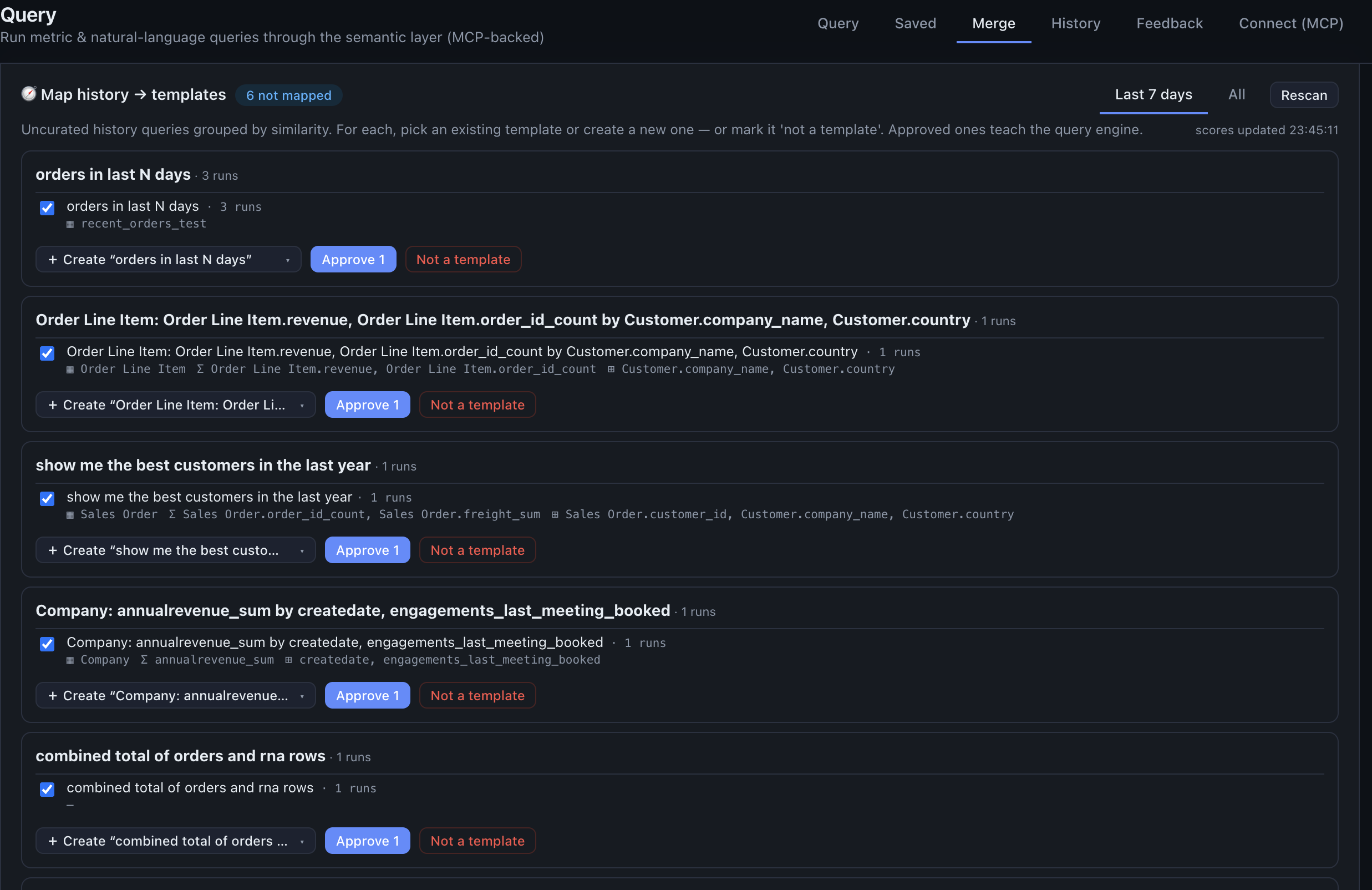
The feedback loop
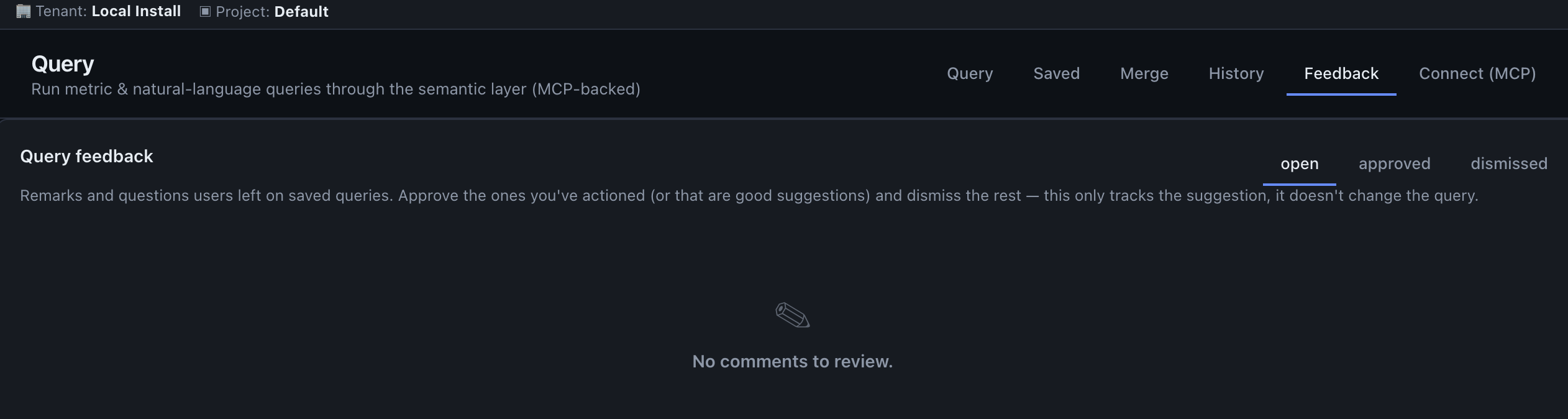
Feedback closes the loop between users and the BA. It now lives as a Feedback tab inside the Query view (and in Monitoring), so analysts work where the queries are.
- A user leaves a comment on a saved query. It's recorded as open, with who and when.
- Open comments appear as a badge on the Feedback tab (admins/BAs only).
- The BA reads the remark on the specific query, edits the definition if needed (which re-embeds it for recall), and resolves the comment as approved (fixed) or dismissed (not an issue).
- Everyone's next run of that query uses the corrected version.
Because comments hang off the saved query and edits are versioned and audited, the whole review is traceable — you can always see the remark, the change it triggered, and who made it.
Query history
The History tab is the raw record of every run (UI, MCP and Data API), grouped by signature so variants collapse into one row with total runs and distinct users. Filter by new / reused / saved / error or by source, drill into per-user runs, and promote any run straight into a saved template. It's both an audit surface and the BA's raw material for curation.
Imported BI reports are a third teacher: every mapped report becomes a grounding hint for the planner, and its measures can be harvested into the model — see Reporting & BI intelligence.
Next steps
- Querying — the mechanics of asking
- Entities & the semantic model — what queries run against
- Monitoring — watch queries, feedback and usage across the tenant